01
Unicorn Detection
Breaker + FVG overlap
Breaker blocks and Unicorn setups are found and drawn on your chart automatically, with advanced filtering built in.
Identify high-probability setups by mapping multiple liquidity sources, with automated Breaker and Unicorn detection, real-time alerts and projected targets.
Partnered with

Every Breaker and Unicorn setup, detected and drawn in real time.
Futures, crypto, forex or indices, on any timeframe. Unicorn Model maps multiple liquidity sources, flags the sweep, and plots entry, stop and targets for you. No manual marking, no scripting.
Get IndicatorUnicorn Model [Pro+] marks the breaker, the fair value gap inside it and the liquidity it sweeps, then projects R targets for you.
Breaker + FVG overlap
Breaker blocks and Unicorn setups are found and drawn on your chart automatically, with advanced filtering built in.
Sweep detection
Tracks multiple liquidity sources at once and flags the sweep the moment it happens.
1R, 2R and beyond
Every setup plots its entry, stop and risk-to-reward targets automatically. 2R is the default and you can set your own.
Your sessions, your timezone
Filter by breaker or zone size, limit setups to your sessions and set your own timezone.
Illustrative chart on example data, not a real trade or a recommendation. 2R is the indicator's default target and can be customized.
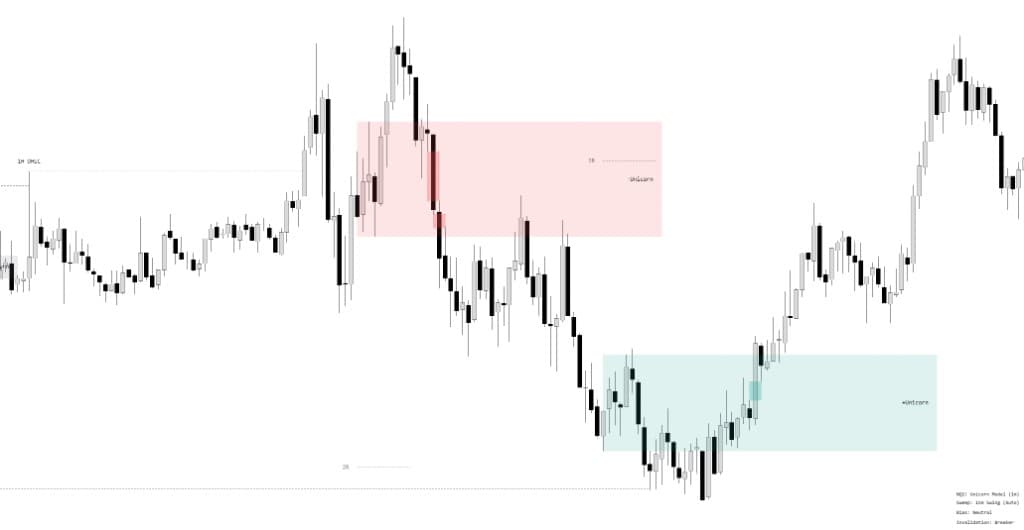
Breaker blocks and Unicorn setups are found and drawn on your chart automatically, with advanced filtering built in.
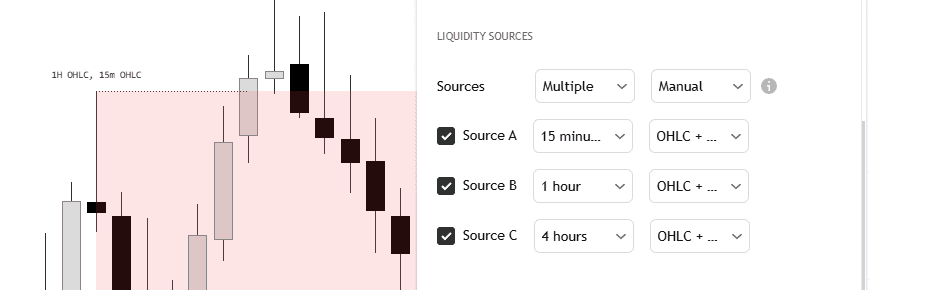
Track several liquidity sources at once, or switch to automatic mode for standard timeframe alignment.
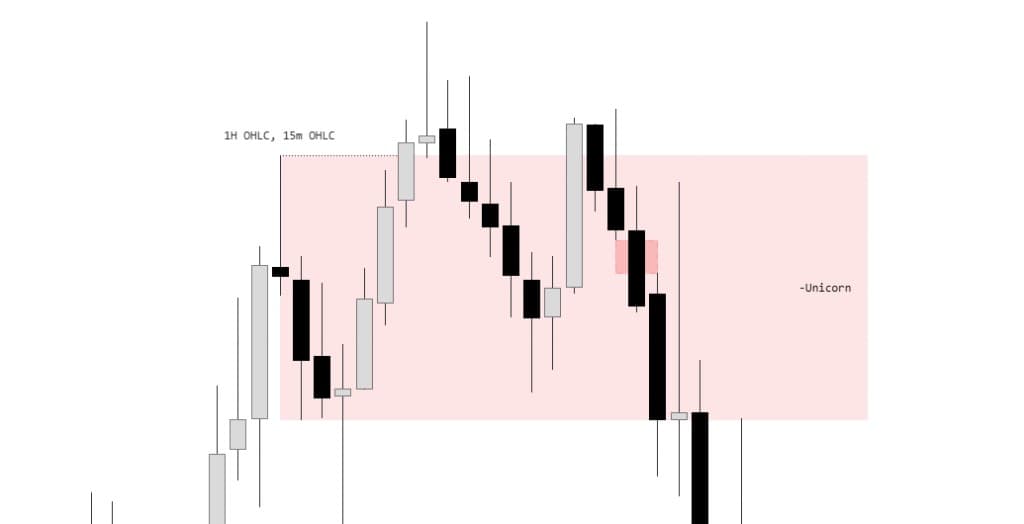
Tracks multiple liquidity sources at once and flags the sweep the moment it happens.
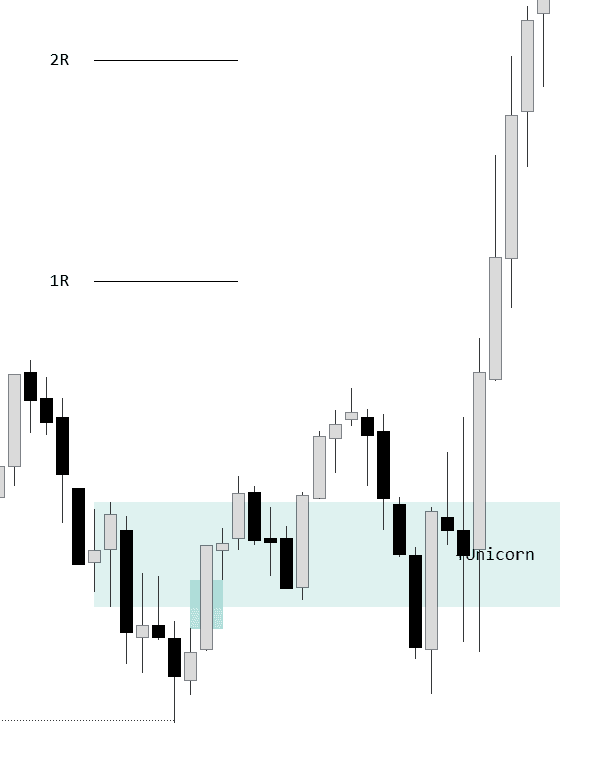
Every setup plots its entry, stop and risk-to-reward targets automatically.
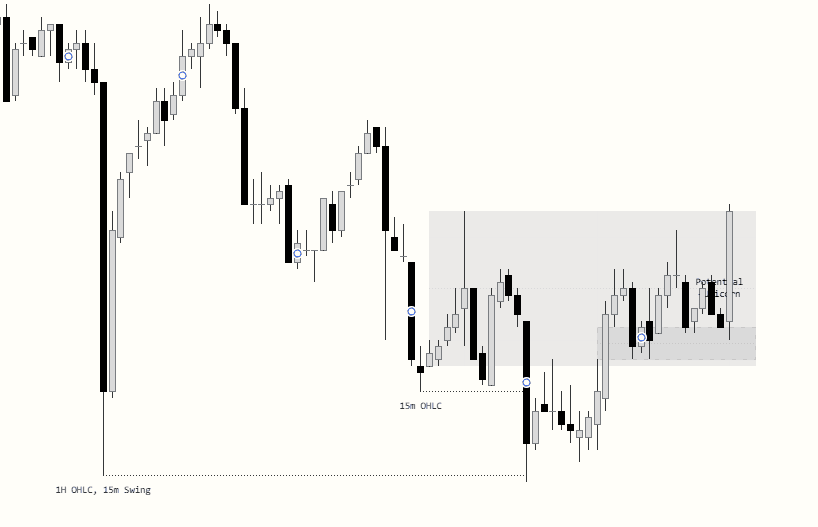
Potential model formation zones are highlighted while they develop, in real time.
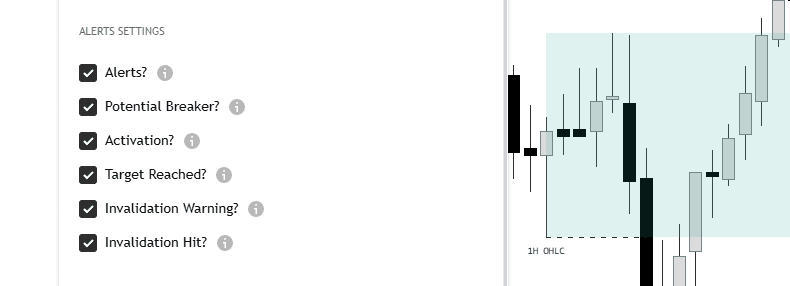
Potential breaker, activation, target reached and invalidation, sent straight to your device.
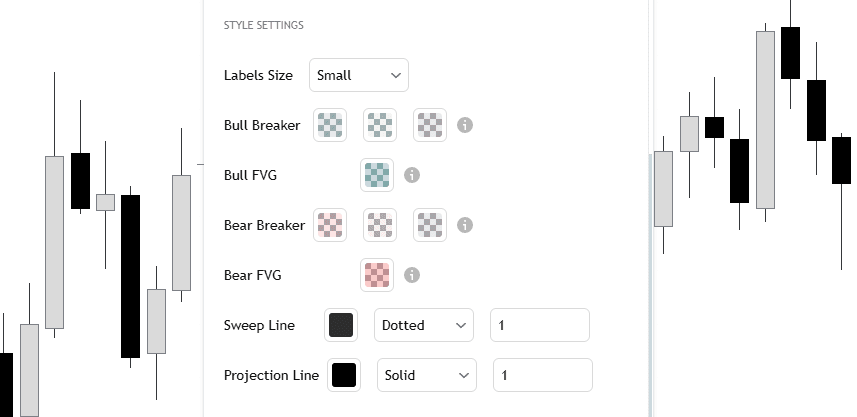
Set your risk-to-reward, invalidation rules and target projections, then style breakers, FVGs, sweep and projection lines your way.
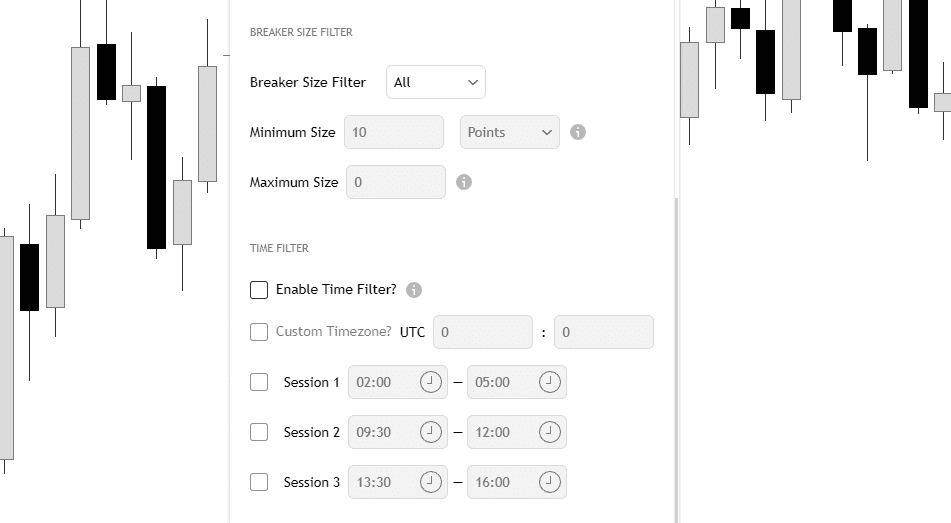
Filter by breaker or zone size, limit setups to your sessions and set your own timezone.
Everything else that comes with the indicator.
Once a setup prints on candle close it stays. What you see is what you get.
Futures, crypto, forex or indices. Same indicator everywhere.
Matches your execution timeframe with the most relevant higher-timeframe liquidity. Customizable.
Combine OHLC and swing liquidity from the 15m, 1H and 4H.
New features and improvements are included in every plan.
Join the members' community to share setups and ask questions.
I know how to mark all this by hand but now I don't have to mark anything. Thank Juno also and thanks for building this, TOO. If I'm at work I don't have to waste time marking anything anymore big bonus help for sure. No time wasted, he answers right away if I ask questions, very helpfull, good price also.
Money printing, if the indicator is applied correctly.
A clear strategy with a proven edge, plus one mentor who genuinely love sharing his knowledge and do it every day on YouTube—that's all you really need to become a profitable trader. @JUNO Thank you for being part of my journey
Thanks a million for all the Unicorn resources/videos, that indicator is hot stuff and far better than any other Unicorn tools available. Cheers dude.
Clean, accurate and no repaint. Simple as that. Other indicators I tried would look perfect on old bars and fail live. This one doesn't.
honestly didn't expect much but the breaker block alerts saved me from 3 bad entries this week alone. starting to trust it more than my own analysis lol
The model course + the indicator together is a different level. You actually understand why a setup is valid, not just following signals blind.
One indicator, three ways to access. Cancel anytime.
Flexible, month to month.
$45/month
Billed monthly
Buy NowSave a little, commit a little.
$39.67/month
Billed quarterly · Save 12%
Buy NowThe best price for the full year.
$36.50/month
Billed yearly · Save 19%
Buy NowSecure checkout via Whop. Cancel anytime from your Whop account.
Yes. The indicator is designed to work across multiple timeframes. It includes an automatic timeframe-pairing system that matches the execution timeframe with the most relevant higher-timeframe liquidity source.
Users can also customize these timeframe pairings to fit their own trading style and preferences.
Yes. The tool has been built to adapt to different asset classes through its internal logic.
That said, every market behaves differently. Forex, Crypto, Futures, and other assets may perform better on certain timeframes than others, so users are encouraged to explore and refine the settings based on the asset they trade.
No. The indicator is an automated drawing and setup-identification tool, not a fully automated trading system.
The tool is built around a defined, rules-based process, but it is not intended to be used blindly. Understanding the model, reading market context, and applying proper trade management remain essential for the trader's success.
After purchasing, follow the instructions provided on the Whop page. You will be able to claim access through the product page inside Whop.
No. Once a setup is printed by the indicator, it will remain on the chart.
Users can manually hide or show setups, but the setup itself will not disappear unless you change a specific setting that causes that setup to no longer meet the selected criteria.
Breaker and Unicorn detection, multi-source liquidity and real-time alerts, right on your TradingView chart.
Get IndicatorQuestions first? Join the free Discord